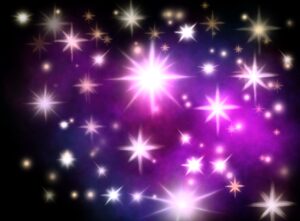
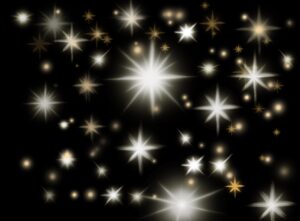
Free shiny stars Procreate Brushes
When making a cover for my next book, A Tale of Fate and Fury, I created a custom collection of star brushes that make it easy to add stars to my artwork in just a few strokes.
In this post you can download the brush set and see how to get the best results on your iPad.
How To Install The Brush Set In Procreate
- Tap the download link for the Freya Lojord Stars Procreate brush set
- When the file is saved on your iPad, tap it once
- Procreate will open and automatically import the brushes
- Open the Brush Library and look for the new Freya Lojord Stars set
You can start using the brushes right away on any canvas.
Tips For Drawing Shiny Stars In Procreate
To get the most from these free Procreate star brushes, try the following:
Use a dark blue or deep purple background to make the stars pop
Add stars on a new layer set to Add or Screen blend mode
Lower the opacity of the layer for a softer glow
Use larger brush sizes for stars in the foreground and smaller ones for distant stars
Combine two or three different brushes in the same sky for more depth
Free Download Of The Shiny Stars Procreate Brush Set
You can use this free brush set for personal and commercial artwork. Please do not resell or redistribute the file itself. If you want to share it with friends or followers, send them to this post so they can download the Procreate star brushes directly.
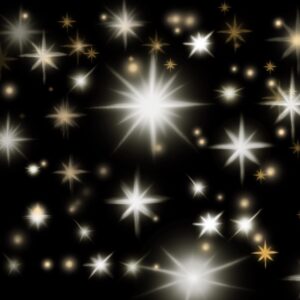
This is how they look like: